Browser & Device Screenshot Mockup Studio
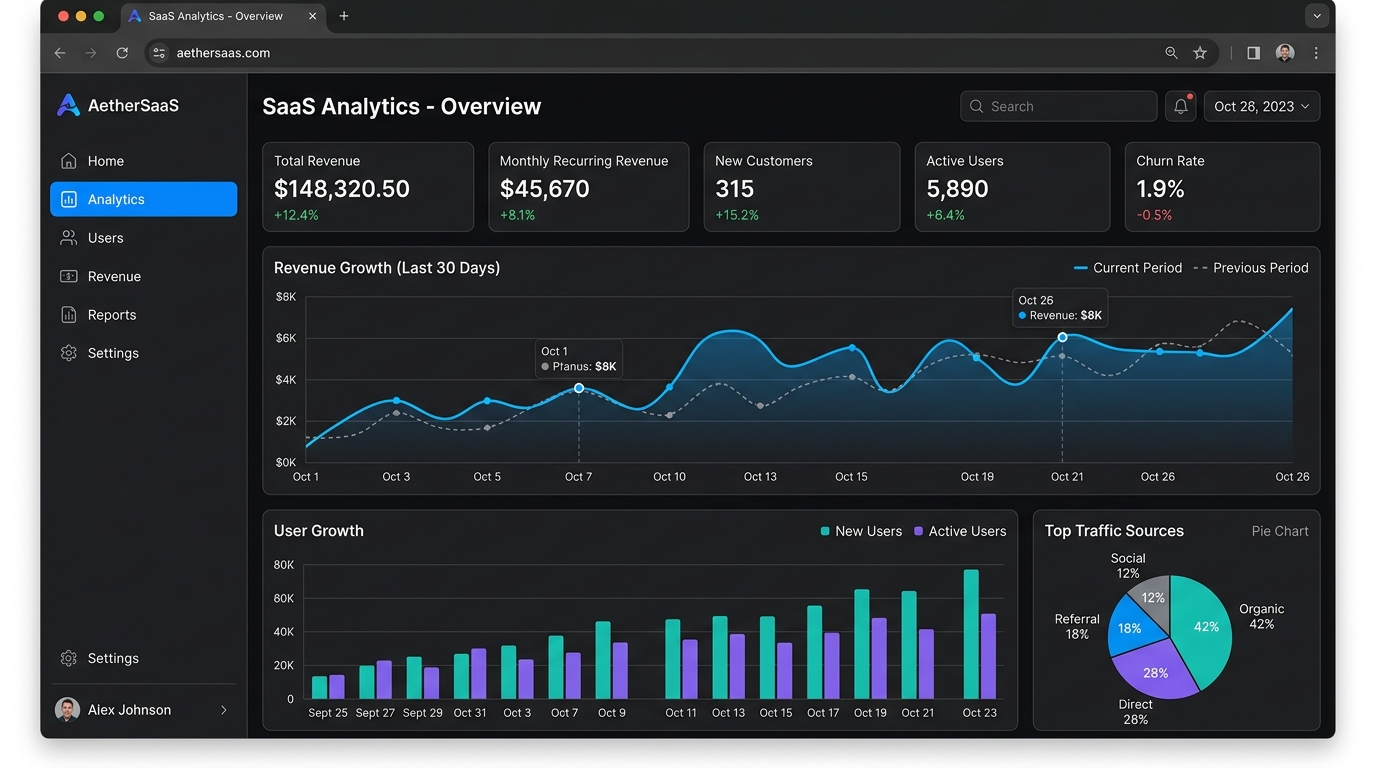
Transform raw screenshots into stunning showcase graphics. Add realistic macOS browser frames, device wrappers, custom drop shadows, rounded corners, and vibrant gradient backgrounds directly in your browser.
Upload Screenshot or Image
Drag & drop PNG, JPG, or WebP here or click to browse

Mockup Customizer
How to Create Beautiful Screenshot Mockups
1. Upload or Paste
Drop your image, select from your files, or press Ctrl+V to paste directly from your clipboard.
2. Choose Frame & Background
Pick macOS Light/Dark browser frames, window headers, phone frames, or gradient backdrops.
3. Fine-Tune Styling
Adjust padding, corner radius, and drop shadow intensity to achieve the perfect depth.
4. Export or Copy
Download crystal-clear 2x PNGs, copy directly to your clipboard, or host on ImageUpload.
Frame Styles & Recommended Formats
Choose the optimal frame wrapper and canvas dimension for your marketing platform.
| Frame Style | Best Used For | Aspect Ratio | Distinctive Features |
|---|---|---|---|
| macOS Browser (Light/Dark) | Web applications, SaaS landing pages, Product Hunt launches | 16:9 or Auto | Traffic light dots, custom address bar & SSL icon |
| Phone (Mobile Frame) | iOS / Android app screenshots, mobile wallet, chat apps | Auto or 1:1 | Dynamic island camera notch, curved outer bezel |
| Shadow & Rounded Only | Twitter / X threads, LinkedIn posts, code snippet cards | Twitter (1200×675) | Zero distractions, ultra-smooth drop shadow & corner radius |
| Transparent Background | Figma graphics, slide presentations, blog graphics | Auto | Alpha PNG export with crisp window shadow |
Why Use In-Browser Screenshot Mockup Studio?
100% Private & In-Browser
Your screenshots never leave your computer. All rendering happens client-side with zero latency.
Retina Crisp High-Resolution
Export sharp 2x graphics ready for Product Hunt, Twitter threads, presentations, and websites.
1-Click Clipboard Copy
Instantly copy rendered mockups directly to your clipboard and paste into Slack, X, or Figma.
Gradients & Transparent PNG
Choose vibrant mesh gradients or transparent alpha PNGs for seamless website integration.