Transparent Signature Maker & Background Remover
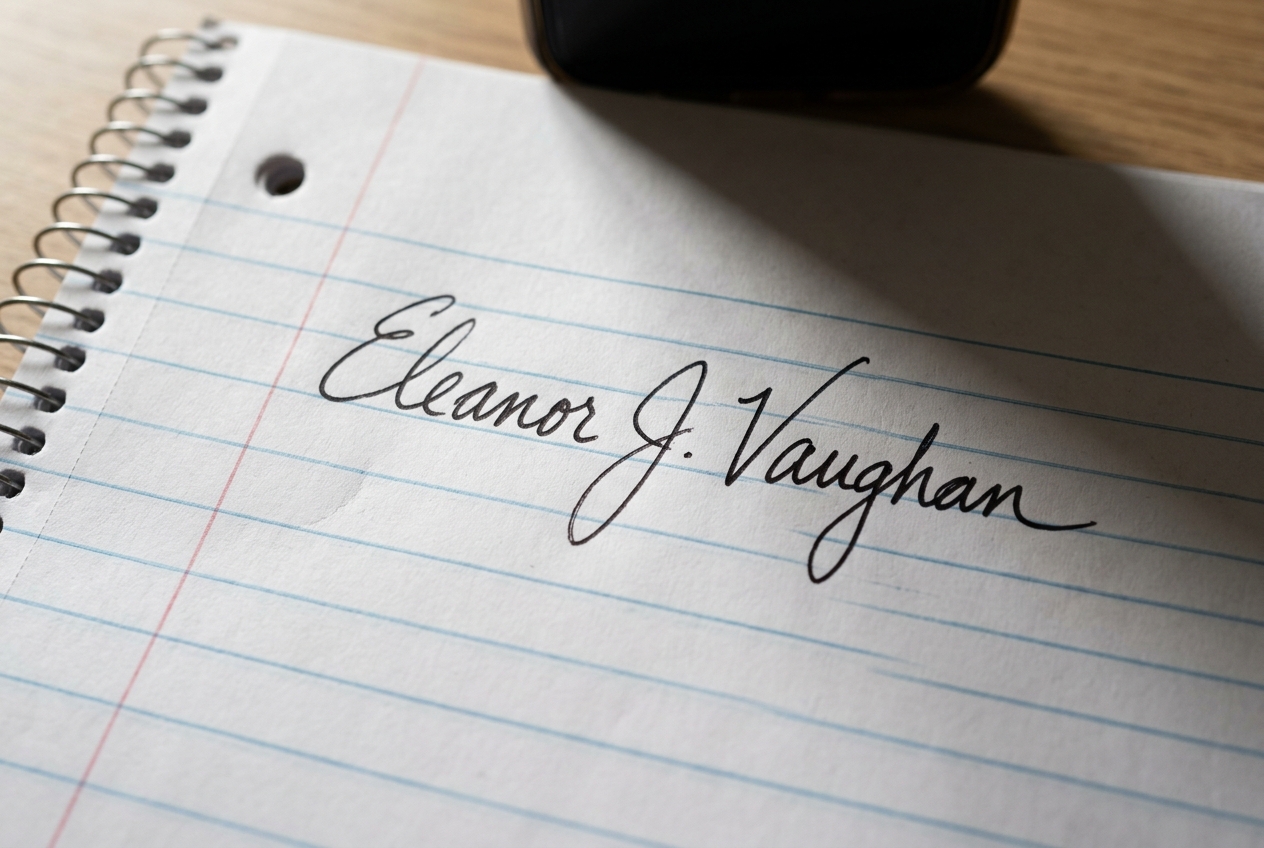
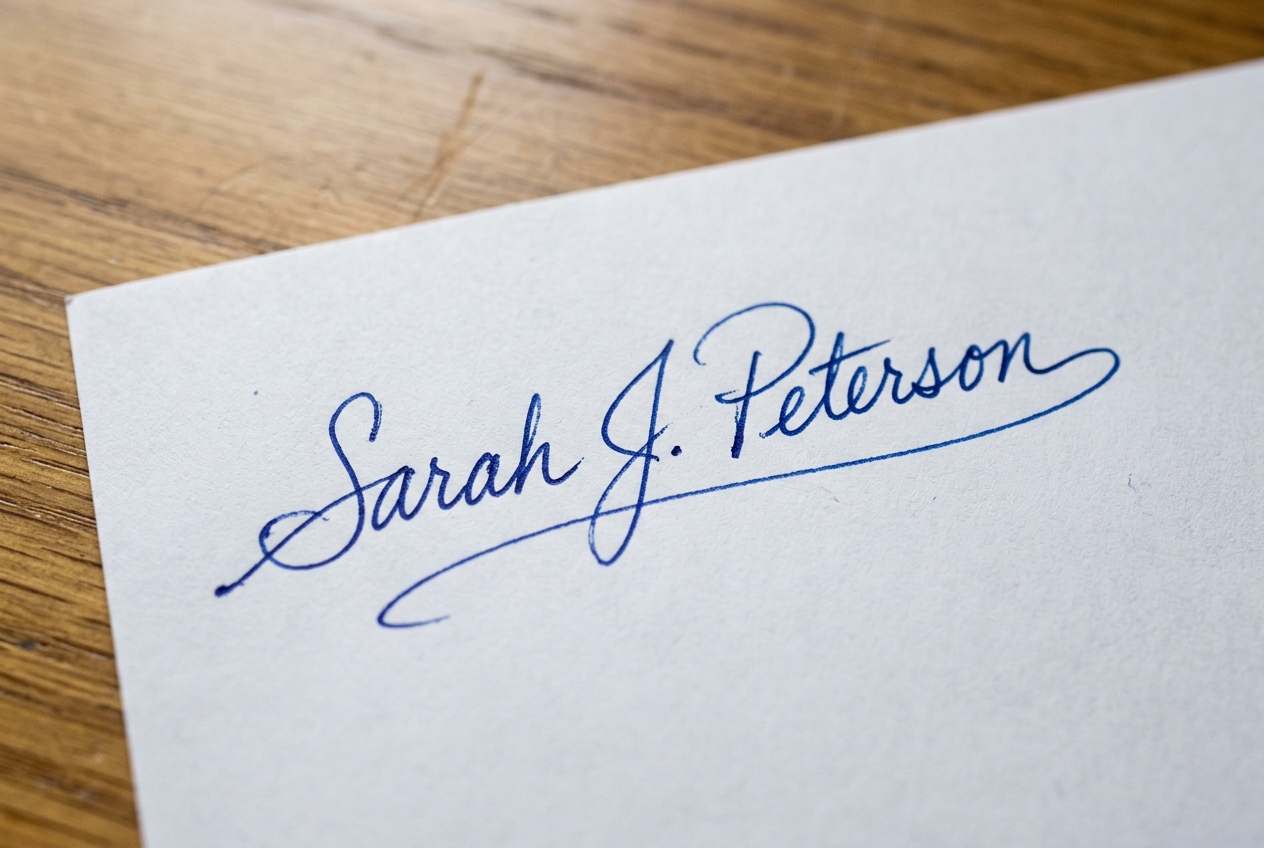
Turn photos of handwritten signatures into crisp, transparent PNGs with no white paper background. Automatically eliminates phone camera shadows, cleans paper texture, and enhances ink for legal PDFs, Word, and DocuSign.
Drop a signature photo, or click to browse
Supports JPG, PNG, WebP. Processed 100% in your browser for absolute privacy.
Ink & Shadow Settings
Document Compatibility & Best Practices
Transparent PNG signatures integrate seamlessly into all major document workflows without covering text or lines.
| Format | Recommended | Background | Notes |
|---|---|---|---|
| Adobe Acrobat / PDF Forms | Transparent PNG | 100% Transparent | Blends seamlessly across contract lines, notary fields, and digital stamps. |
| Microsoft Word / Google Docs | Transparent PNG | 100% Transparent | Use "In Front of Text" layout to place over signature lines without shifting margins. |
| DocuSign / HelloSign / PandaDoc | Transparent PNG | 100% Transparent | Upload as standard custom stamp; preserves crisp handwriting without fuzzy paper noise. |
| Invoices, Quotes & Receipts | Official Blue / Black | 100% Transparent | Deep Legal Black or Official Ballpoint Blue provides high business credibility. |
How It Works
1. Sign on Paper & Snap Photo
Sign your name on white paper using a ballpoint or gel pen and take a quick photo with your phone.
2. Auto Shadow Removal
The in-browser engine eliminates shadows, paper creases, and uneven lighting instantly.
3. Choose Ink Color & Boldness
Enhance ink to crisp Deep Black, Official Blue, or preserve natural ballpoint pen shades.
4. Download or Copy to Clipboard
Download transparent PNG or copy directly to paste into Word, Google Docs, or PDF editors.
100% In-Browser Privacy
Your signature is never uploaded to any server or cloud. All pixel math runs in local browser memory.
Camera Shadow Proof
High-pass lighting compensator separates ink from phone shadows and yellow artificial room light.
Official Contract Quality
Anti-aliased natural edges render crisply in Adobe Acrobat, DocuSign, and high-DPI printouts.
Auto-Crop & One-Click Copy
Tightly trimmed bounding box and direct PNG clipboard copy for effortless document insertion.